Update your account
Change your name, email, password, language and notifications.
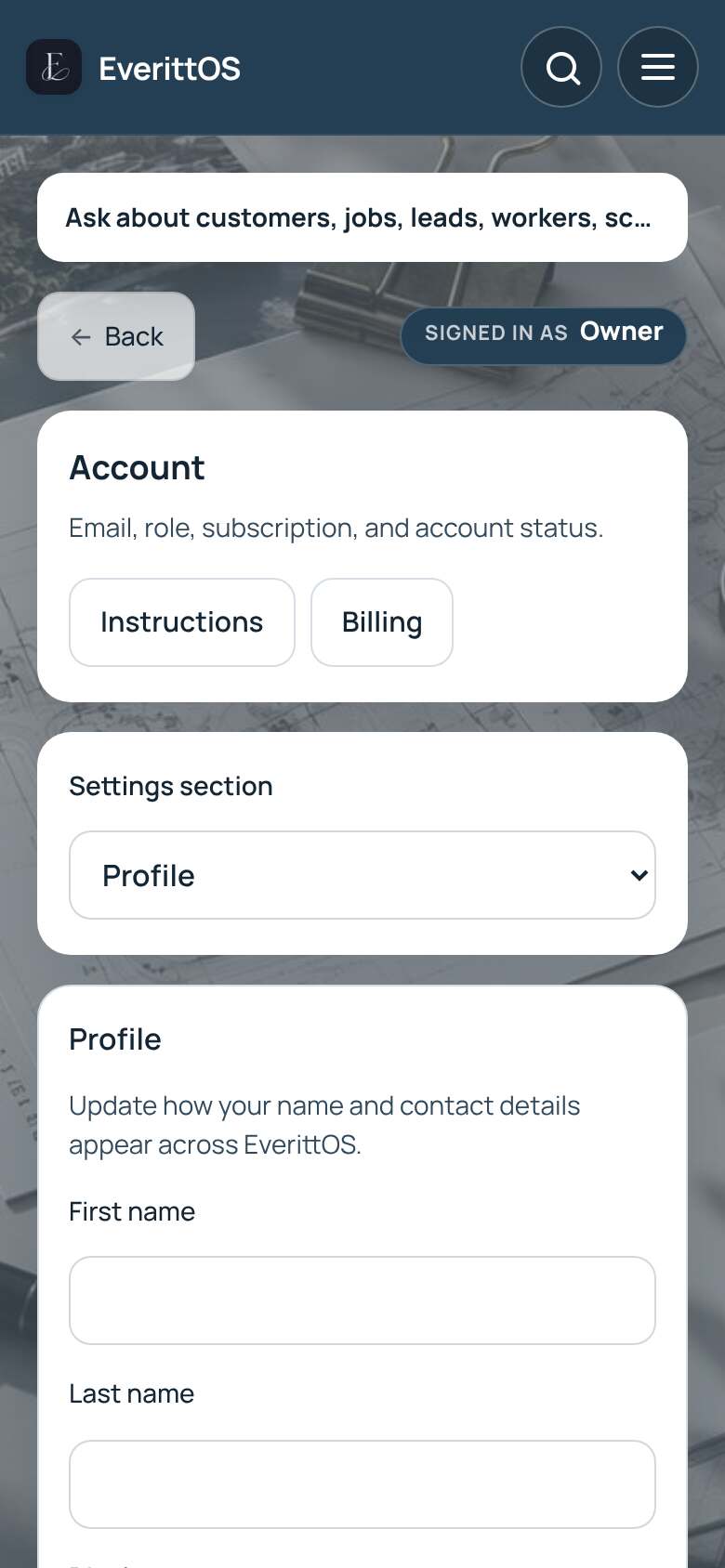
- Open Settings, then Profile. In a portal, open Account or Settings.
- Edit your name, phone or display name.
- To change sign-in details, use New email or New password.
- Tap Save account.
- Pick your language and notification preferences on the same page.
Tip: You are signed out after 15 minutes without activity to keep your account safe.