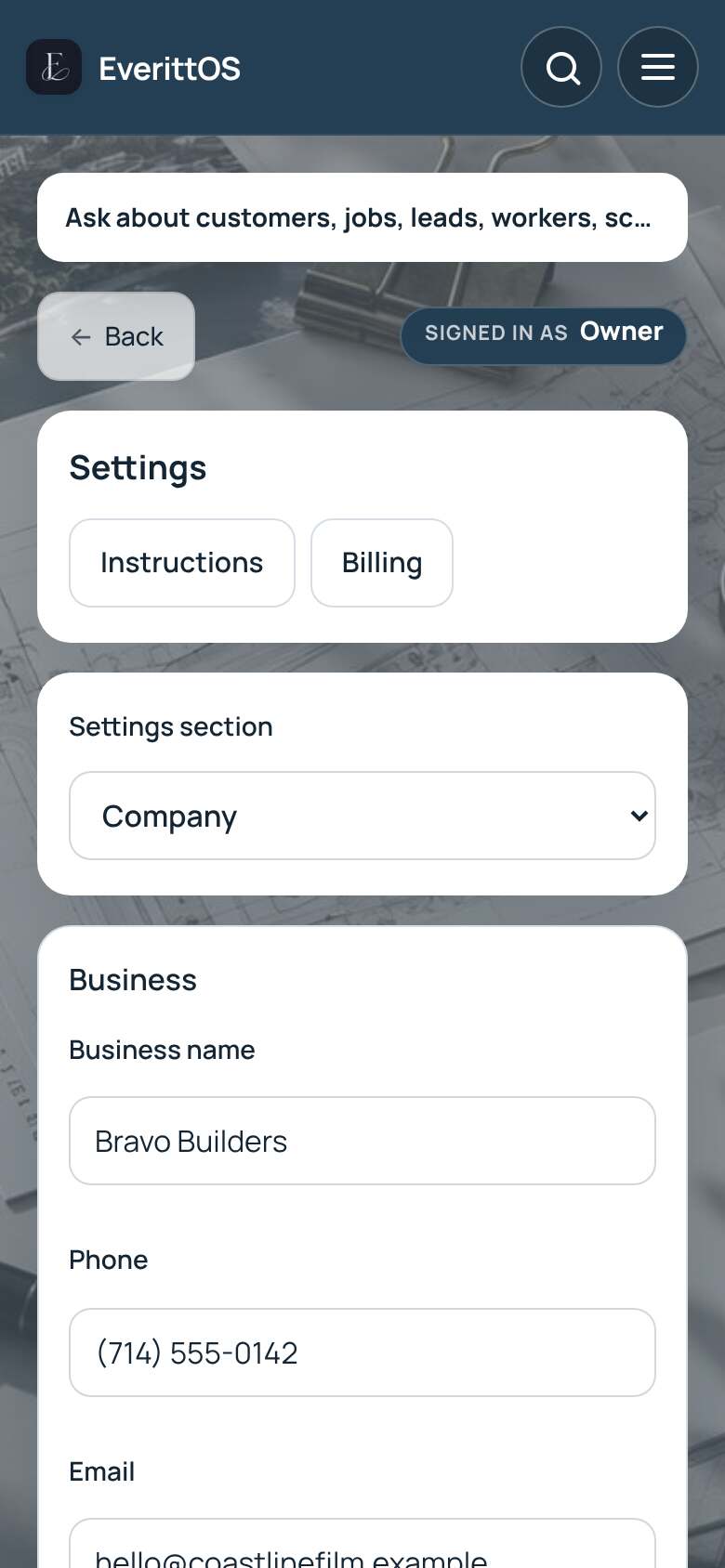
Update your business details
Your business name, phone, email and logo appear on quotes, invoices and customer emails.
- Open Settings, then Company.
- Under Business, enter your business name, phone, email, address and timezone.
- Tap Save.
- To add your logo, open Branding and upload it.
Tip: Check the timezone so job times show correctly for you and your team.