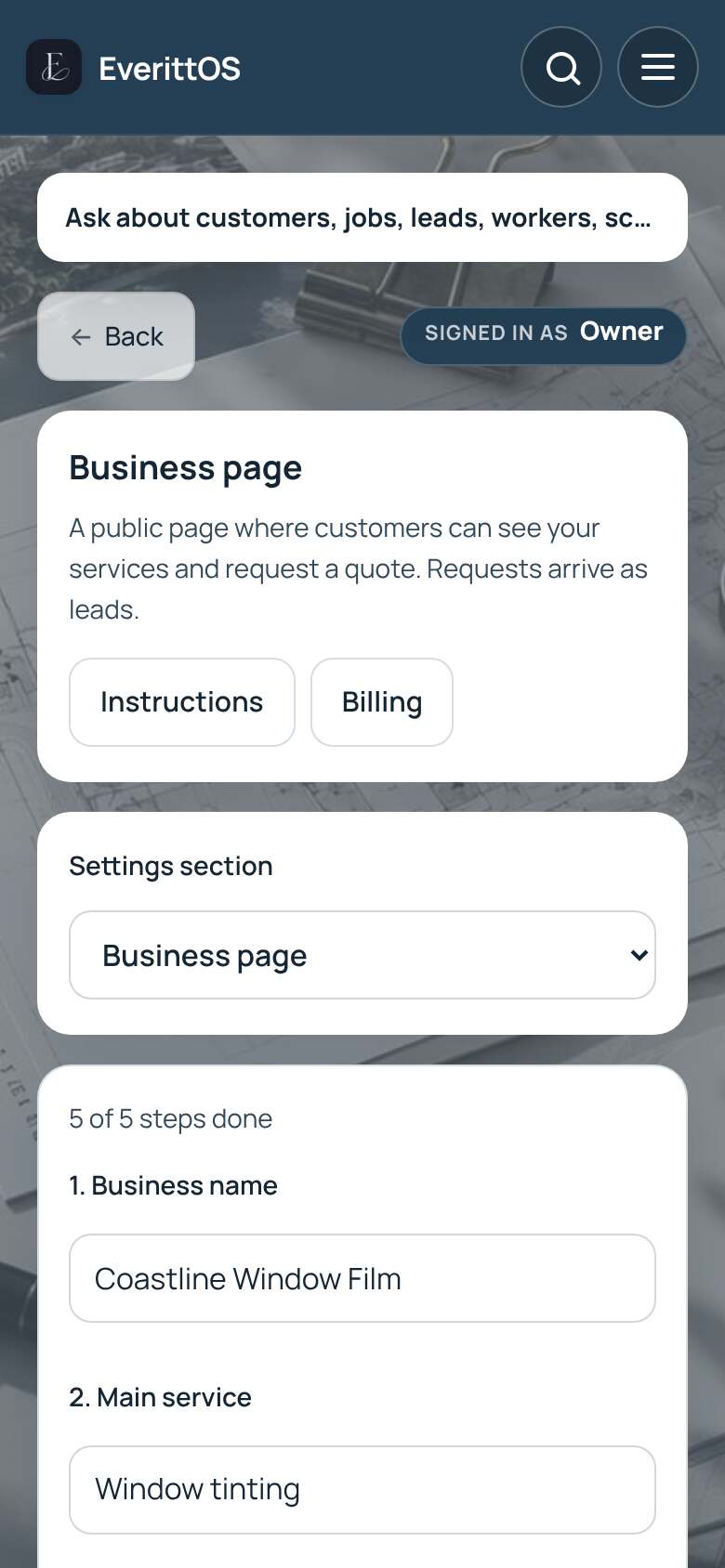
Publish your business page
A simple public page where customers can ask you for a quote. Requests arrive as leads.
Available with Business.
- Open Settings, then Business page.
- Fill in your business name, services and contact details.
- Turn on Publish the page and tap Save.
- Under Your page link, tap Copy link and share it.
- New requests show up in Leads and notify you.
Tip: The page shows only what you enter. Referral links let you see which customers send others your way.