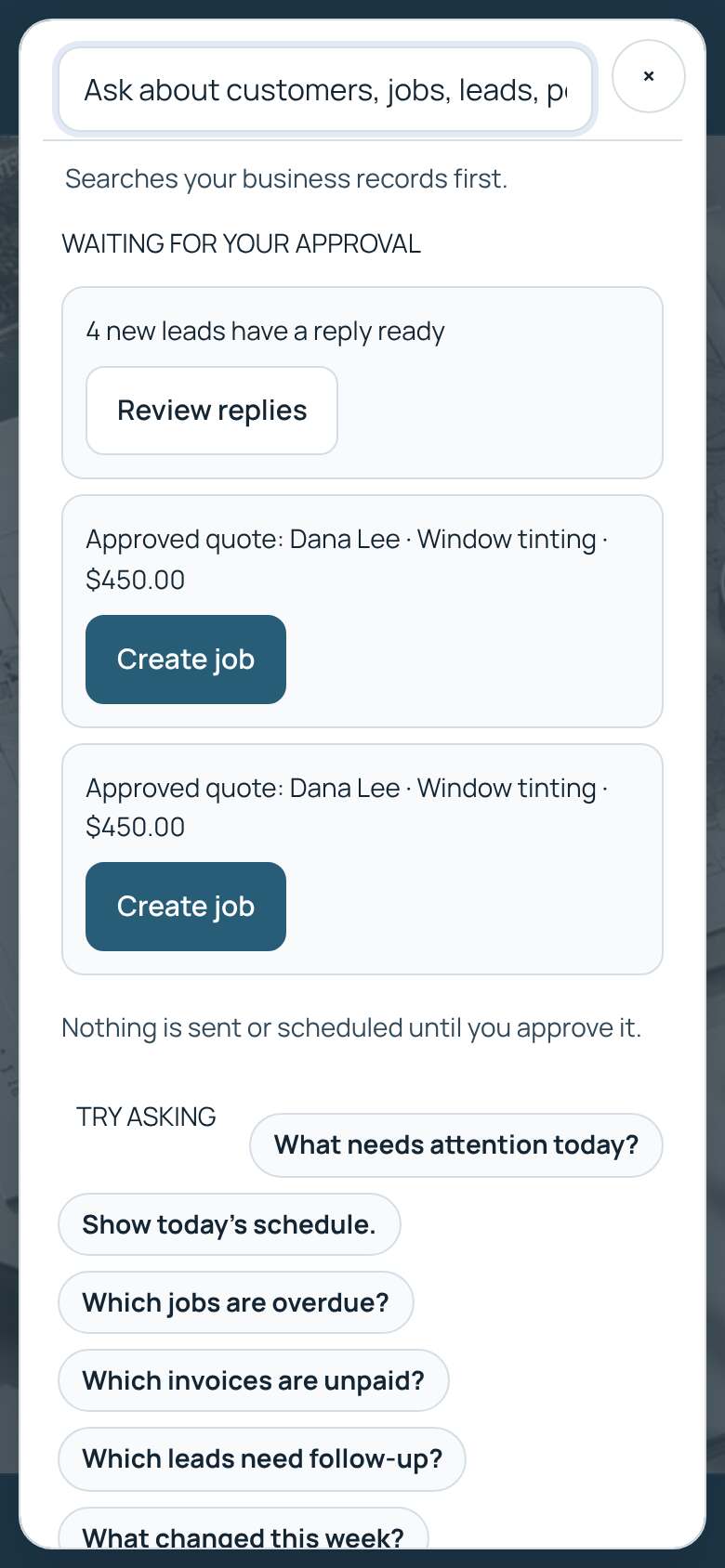
Ask Everitt
Search your customers, jobs, leads and invoices, or ask how to do something.
- On a computer, click the Ask bar at the top or press Ctrl+K (⌘K on a Mac).
- On a phone, tap the search icon next to Menu.
- Type a name, an address or a question, for example "How do I send an invoice?".
- Tap a result to open it.
Tip: Everitt prepares things for you, like a reply or a job from an accepted quote, but you always make the final tap.