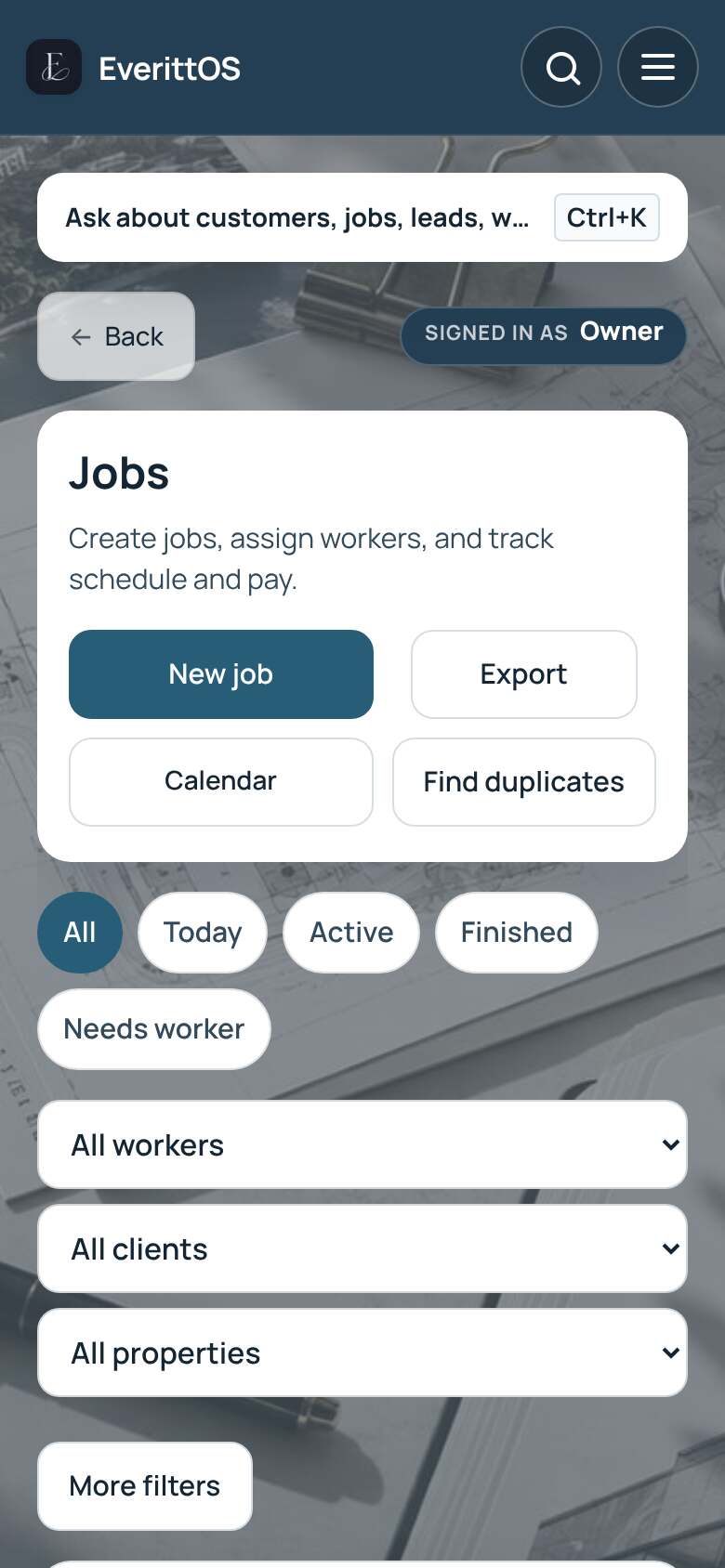
Find and manage your jobs
Find a job you already have, then start it, finish it or change its details. Looking for new customers instead? See Leads.
- Open Jobs.
- Use the tabs at the top: All, Today, Active, Finished or Needs worker.
- To narrow the list, open Filter jobs and pick a worker, client or property.
- Tap a job to open it.
- Change the job, customer, address or notes under Overview, then tap Save.
- Tap Start when work begins and Finish when it is done.
Tip: Ask Everitt can find a job by customer name or address. Press Ctrl+K, or tap the search icon on a phone.