Follow up with customers
See who needs a reply or a payment reminder. Nothing is sent until you approve it.
- Open Follow-Up. Needs attention lists customers waiting on you.
- Tap Email to write to someone, or Hide to clear an item.
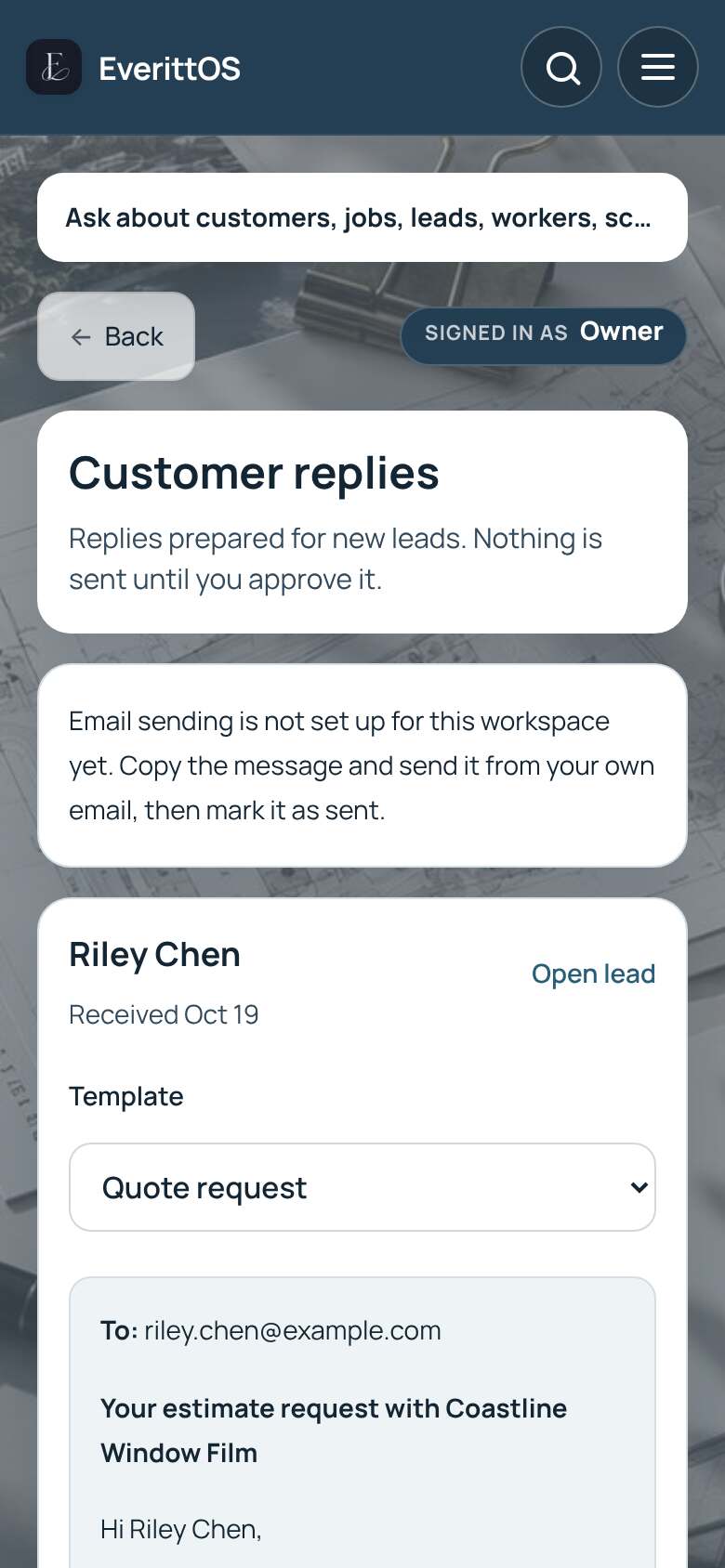
- With Pro, open Payment reminders or Customer replies for messages already written for you.
- Read each one. Tap Edit to change it.
- Tap Send, or Copy message and Mark as sent if you send it yourself.
Tip: Before a payment reminder goes out, EverittOS checks the invoice is still unpaid.