Use your customer portal
See your visits, photos, quotes and payments in one place.
- Open the sign-in link from your email.
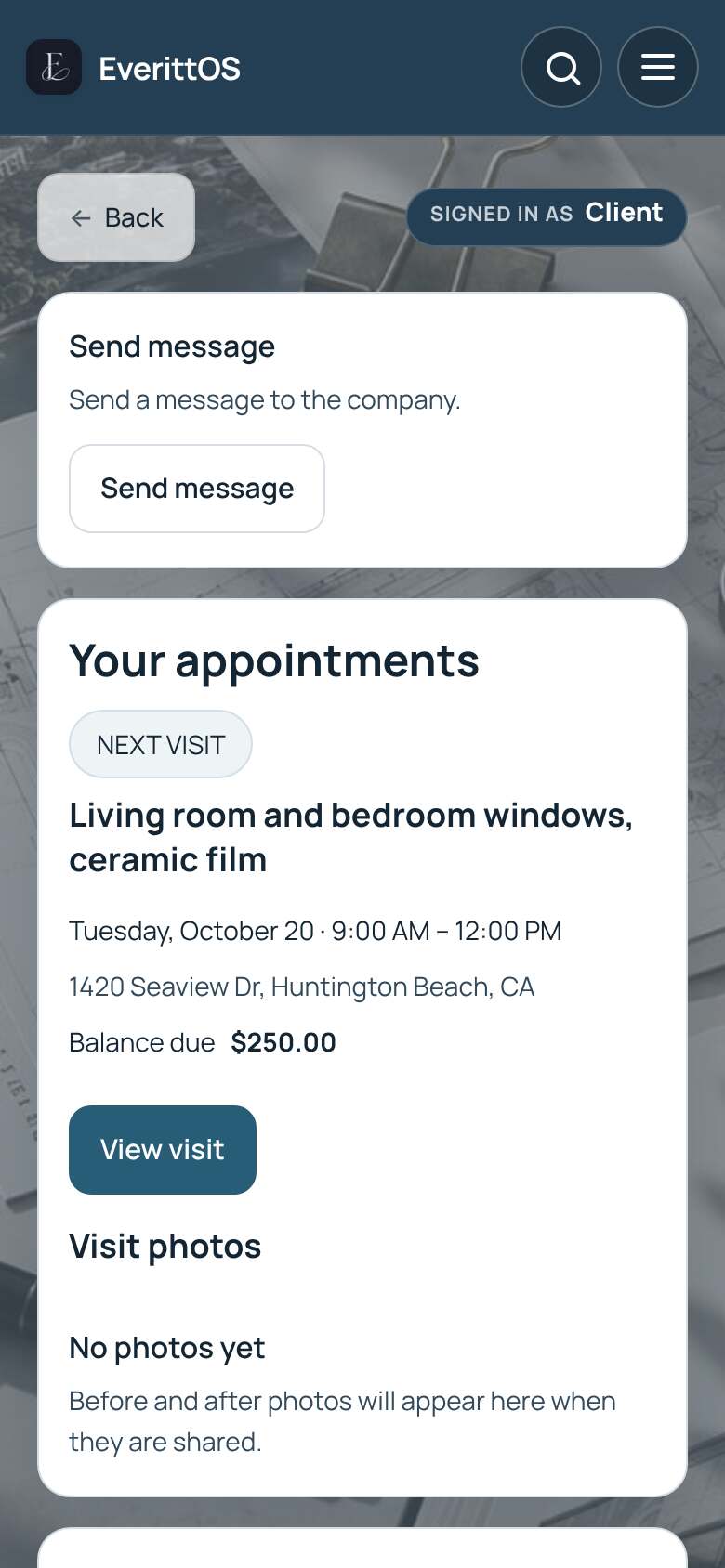
- Your appointments shows your next visit. Tap View visit for details and photos.
- Under Your quotes, tap Review and respond to accept or ask about a quote.
- Payments and receipts shows what you paid and what is due.
- Tap Send message to write to the company.
Tip: Past visits and Export visit history are under More.