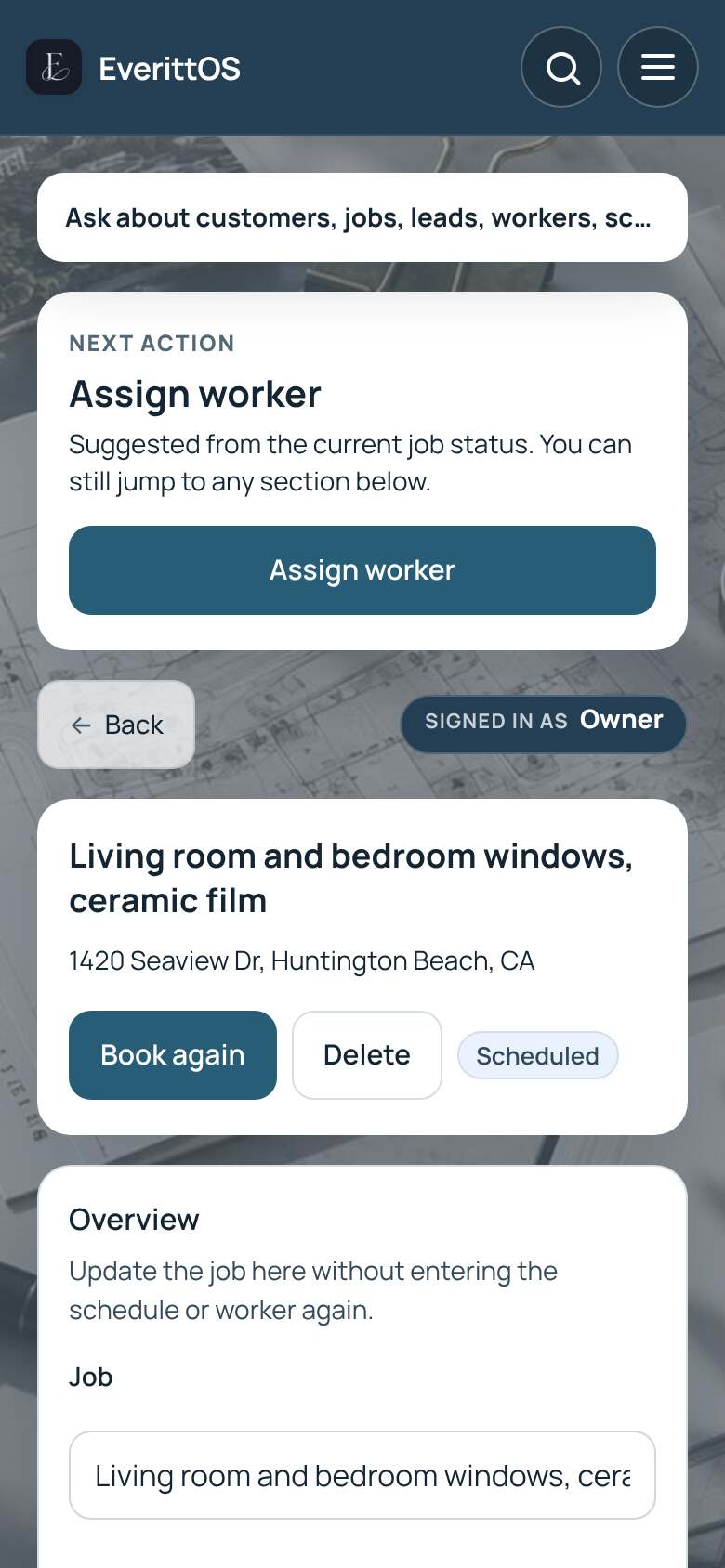
Give a customer access to their portal
Customers can sign in to see their visits, photos, quotes and receipts.
- Open the job.
- Open Customer access, then Customer portal.
- Tap Enable client access. If the customer has no email yet, tap Add email and enable access.
- EverittOS emails them a sign-in link. You can also tap Copy portal link.
- To stop sharing, tap Turn off access.
Tip: The customer portal is included on every plan.