Invite workers to your team
Give workers and managers their own sign-in so they see their jobs.
Available with Pro.
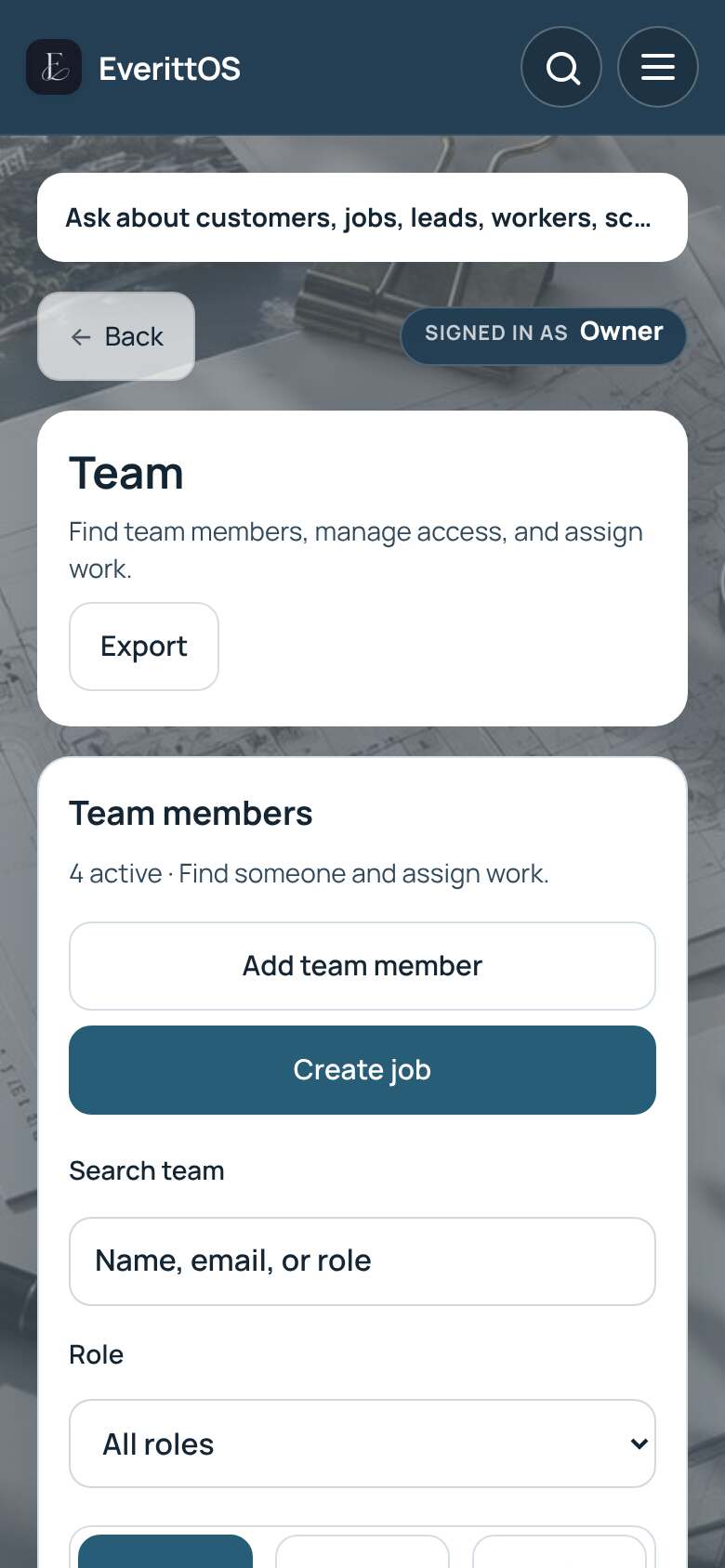
- Open Team.
- Under Invite by email, enter their email.
- Choose a role: Manager, Staff or Contractor.
- Tap Send invitation, or Copy link to send it yourself.
- They show under Pending invitations until they accept.
Tip: Contractors see only their own jobs and pay in the worker portal.