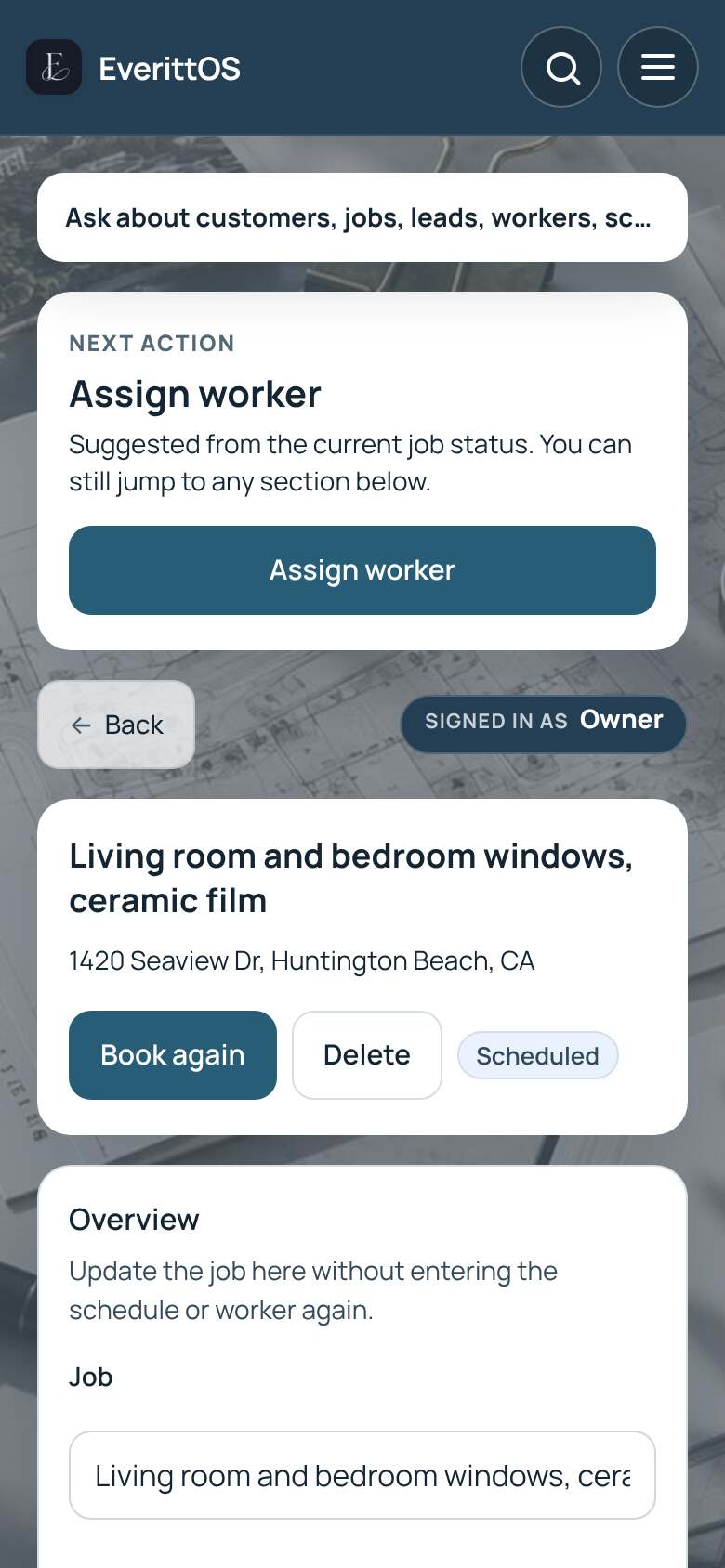
Assign a worker to a job
Choose who does the work. Workers see their assigned jobs in their own portal.
Available with Pro.
- Open Jobs and tap the job.
- Find Assigned contractors.
- Tap Assign existing contractor, choose the person and tap Assign contractor.
- For someone without a login, tap Add manual contractor, enter their name and tap Add and assign.
Tip: You can also pick a worker while creating the job, under Worker and pay.