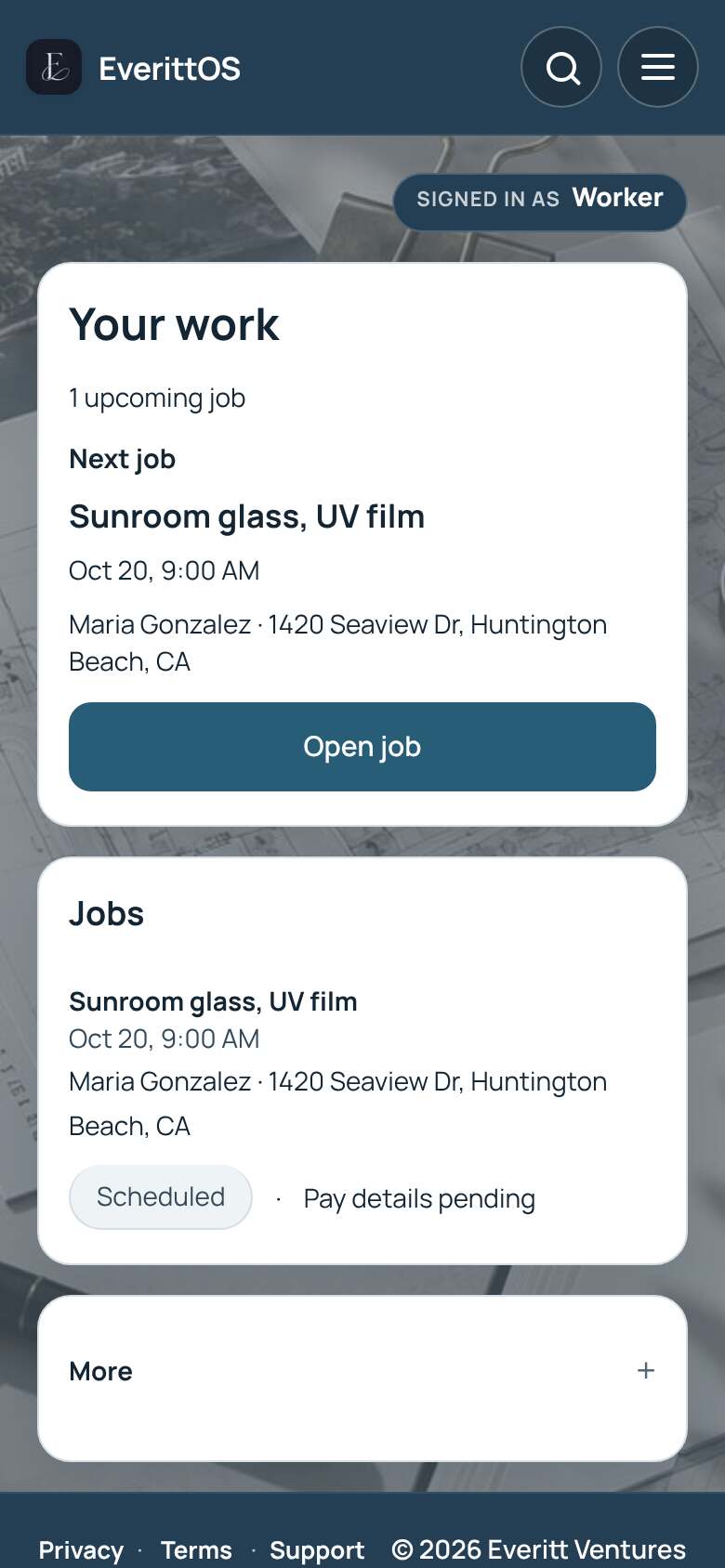
Do your jobs in the worker portal
See the jobs assigned to you, start and finish them, and add photos.
- Sign in. Your work shows your Next job.
- Tap Open job to see the address and details.
- Tap Send update to let the office know you are on your way or running late.
- Tap Start job when you begin. Add before and after photos.
- Tap Finish job, then Complete job.
Tip: Tap Jobs or Earnings in the menu to jump to that part of your screen. Earnings shows what you were paid and what is still owed.