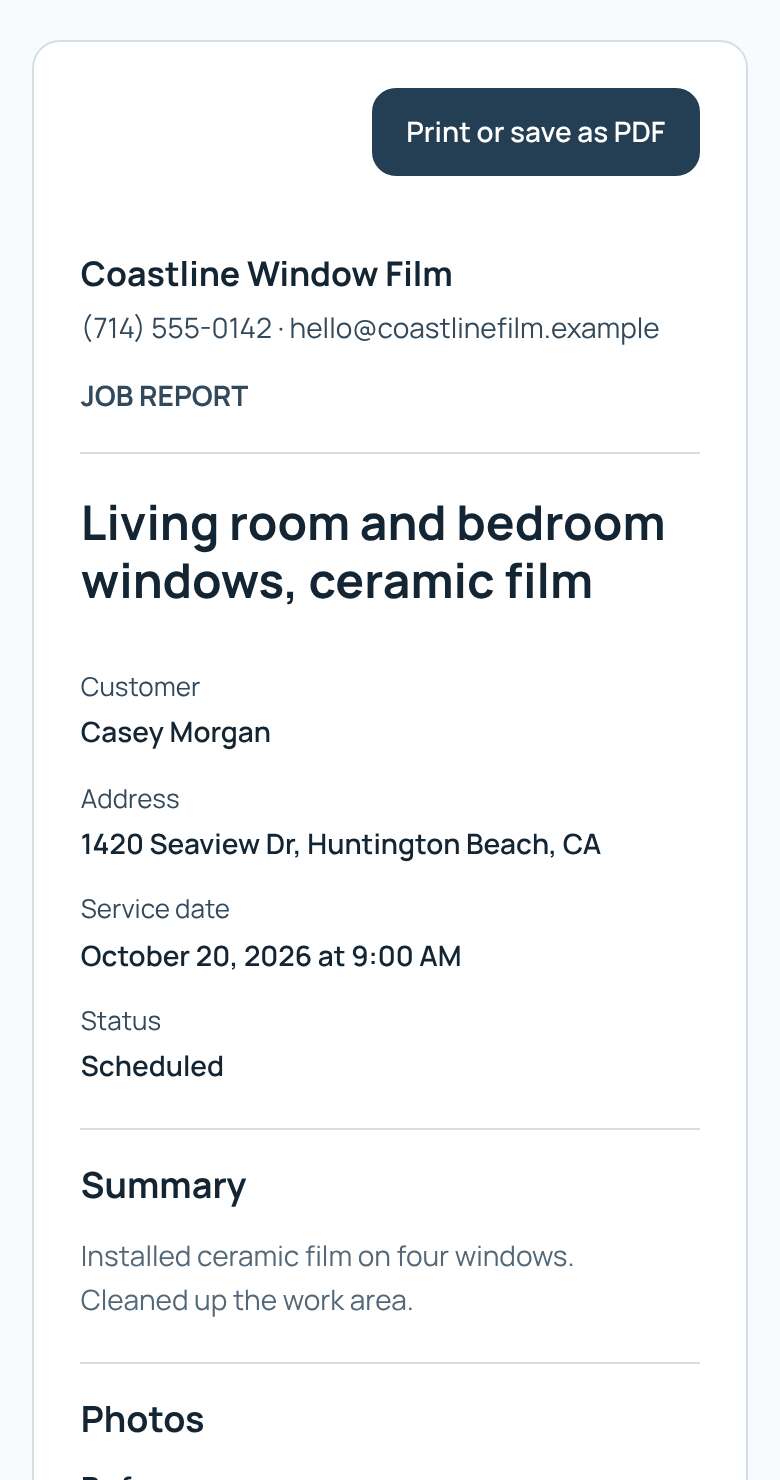
Share a job report with your customer
A clean report of the job with your before and after photos. Send it as a link or save it as a PDF.
- Open the job.
- Under Photos, tap Show customer on each photo you want in the report.
- Under Report, tap Create report.
- Add a short summary for the customer if you like.
- Tap Create customer link, then Copy link and send it to your customer.
- To keep a PDF, tap Print or save as PDF.
Tip: The report never shows prices, pay or internal notes. Tap Turn off link to stop sharing. Free includes 3 shared reports.