Track and record payments
See who still owes you and record money you received outside the app.
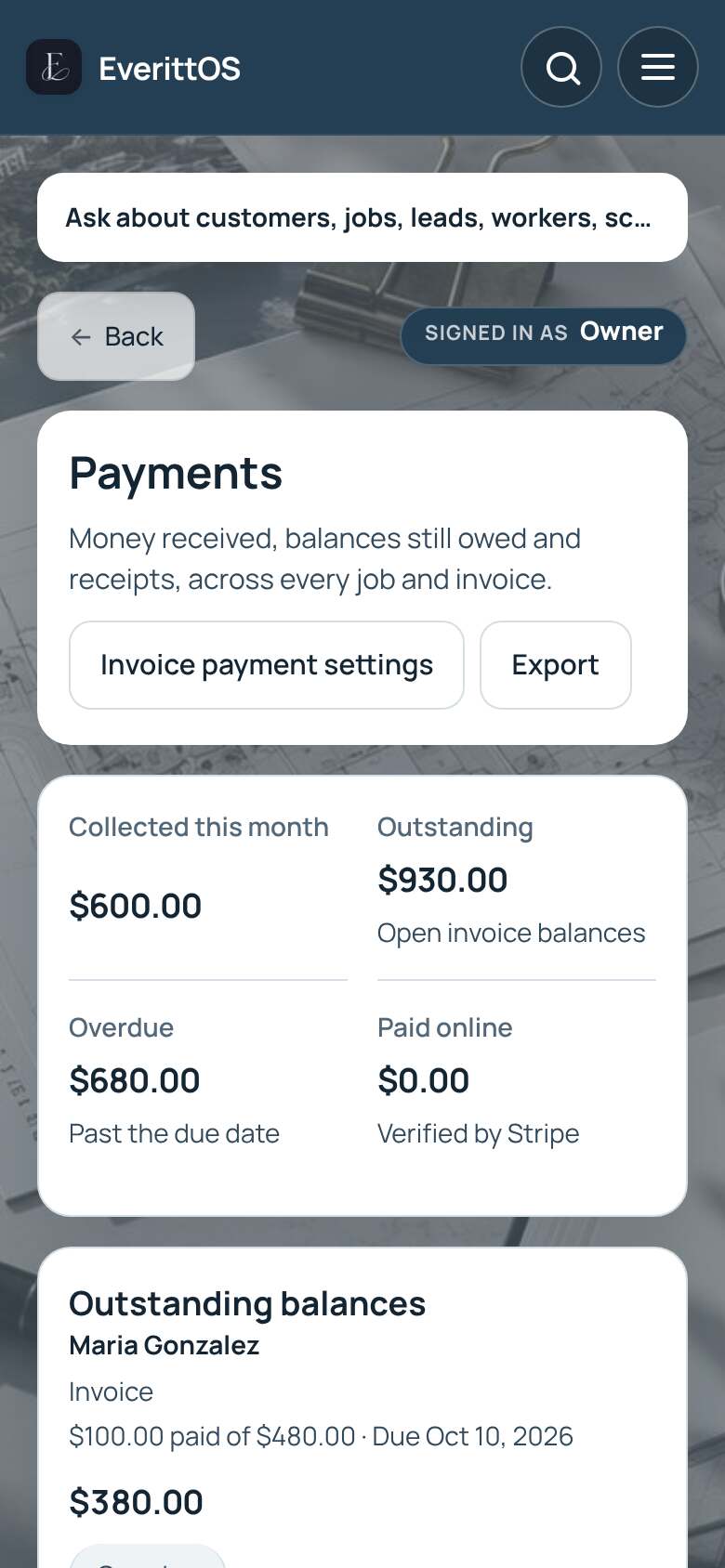
- Open Payments to see Outstanding balances and Payment history.
- Find the customer under Outstanding balances and tap Record payment.
- Enter the payment amount, date and method, for example cash or check.
- Tap Save payment.
Tip: Card payments through Stripe are recorded for you. You can also record a payment from Invoices, on the Sent tab.