Send an invoice
Bill a customer for finished work and keep track of what they owe.
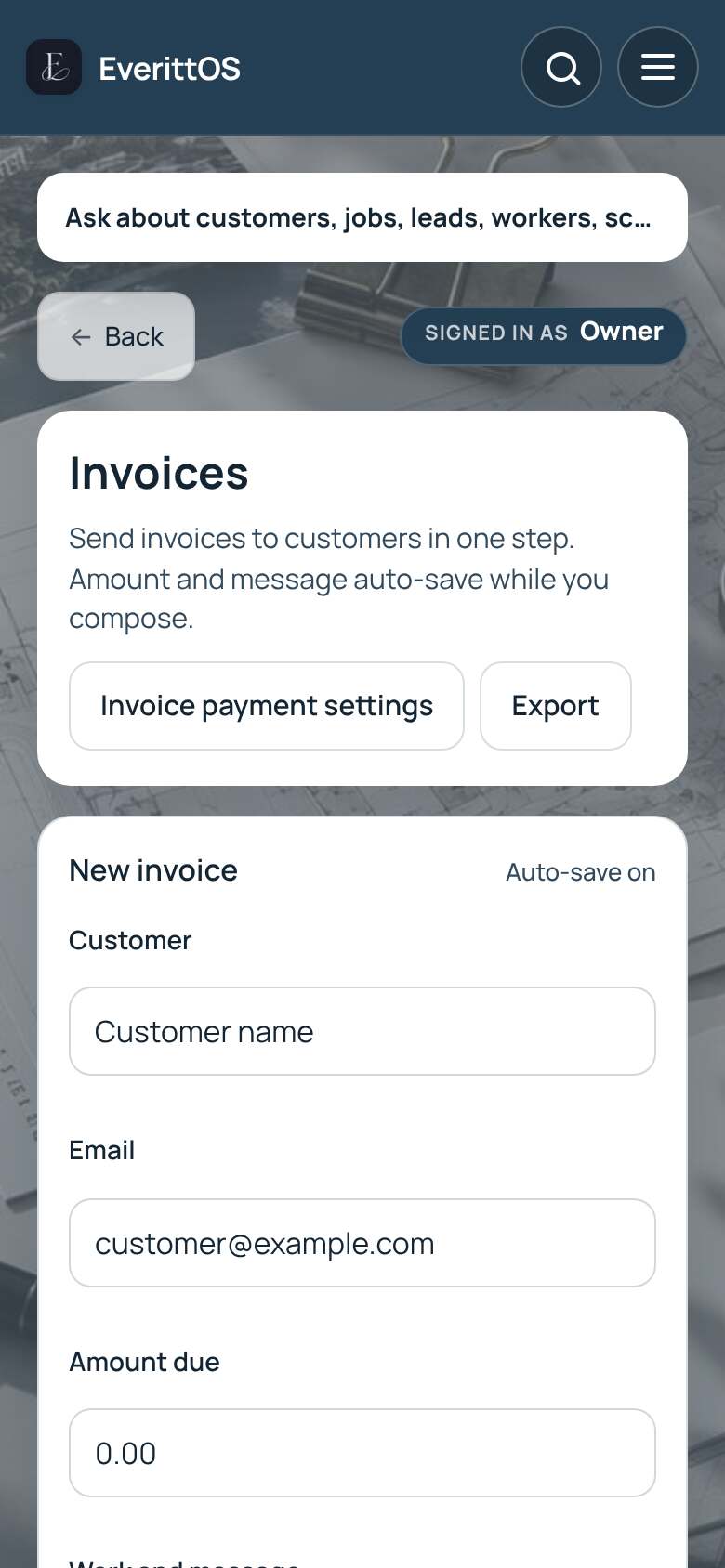
- Open Invoices. When you finish a job, you can also tap Create invoice on the job.
- Tap New invoice.
- Choose the customer and check their email.
- Enter the Amount due and describe the work.
- Tap Send, or Send later to pick a time.
Tip: Connect Stripe in Settings to let customers pay the invoice by card.