Create and send a quote
Write a price for the customer, send it and turn it into a job when they accept.
- Open Quotes.
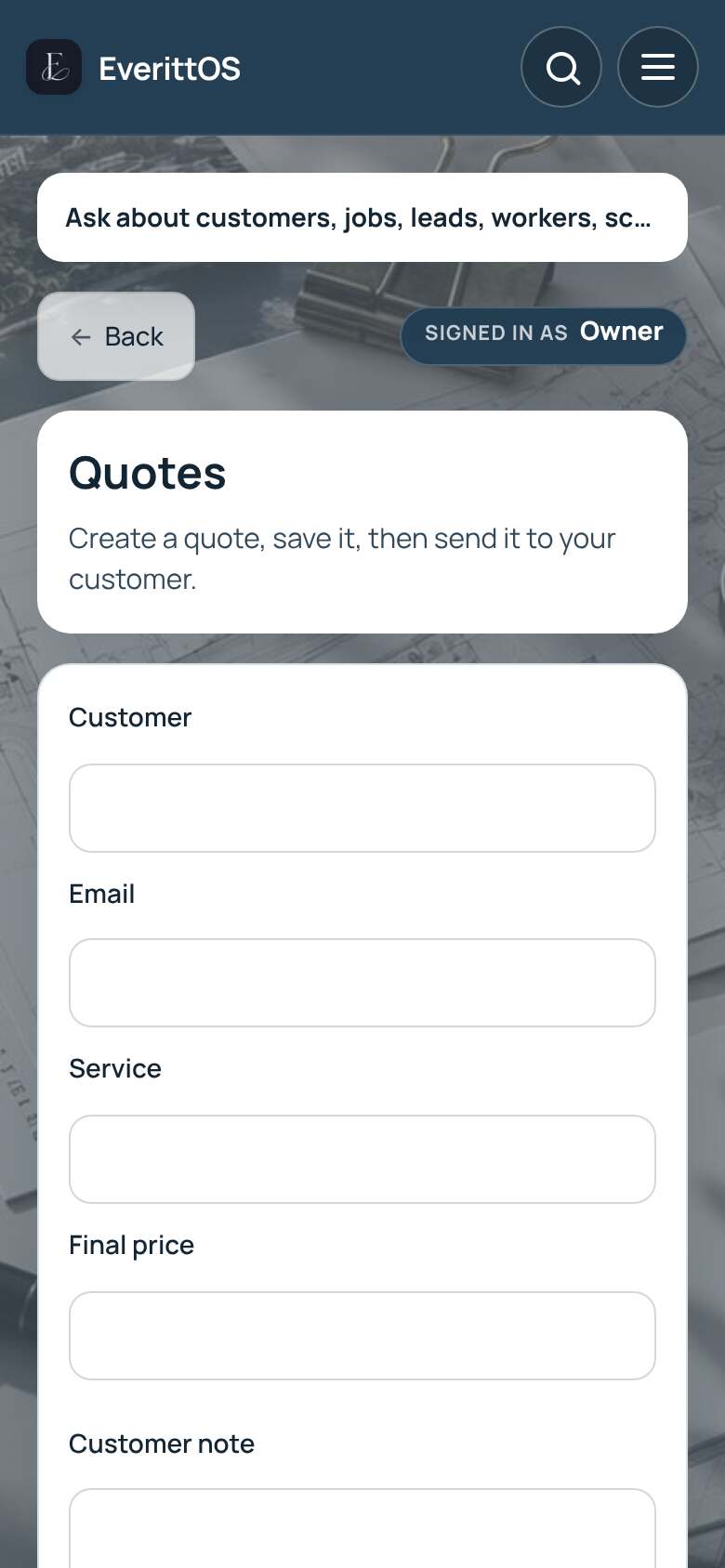
- Enter the customer, their email, the service and the final price. Add a customer note if you like.
- Tap Save quote.
- Tap Send to customer, or Copy link to send it yourself.
- When the customer accepts, tap Create job on the saved quote.
Tip: Got the request in a message? Paste it into Customer request and tap Fill details. Sending quotes needs Pro; on Free you can save them and use PDF / Print.