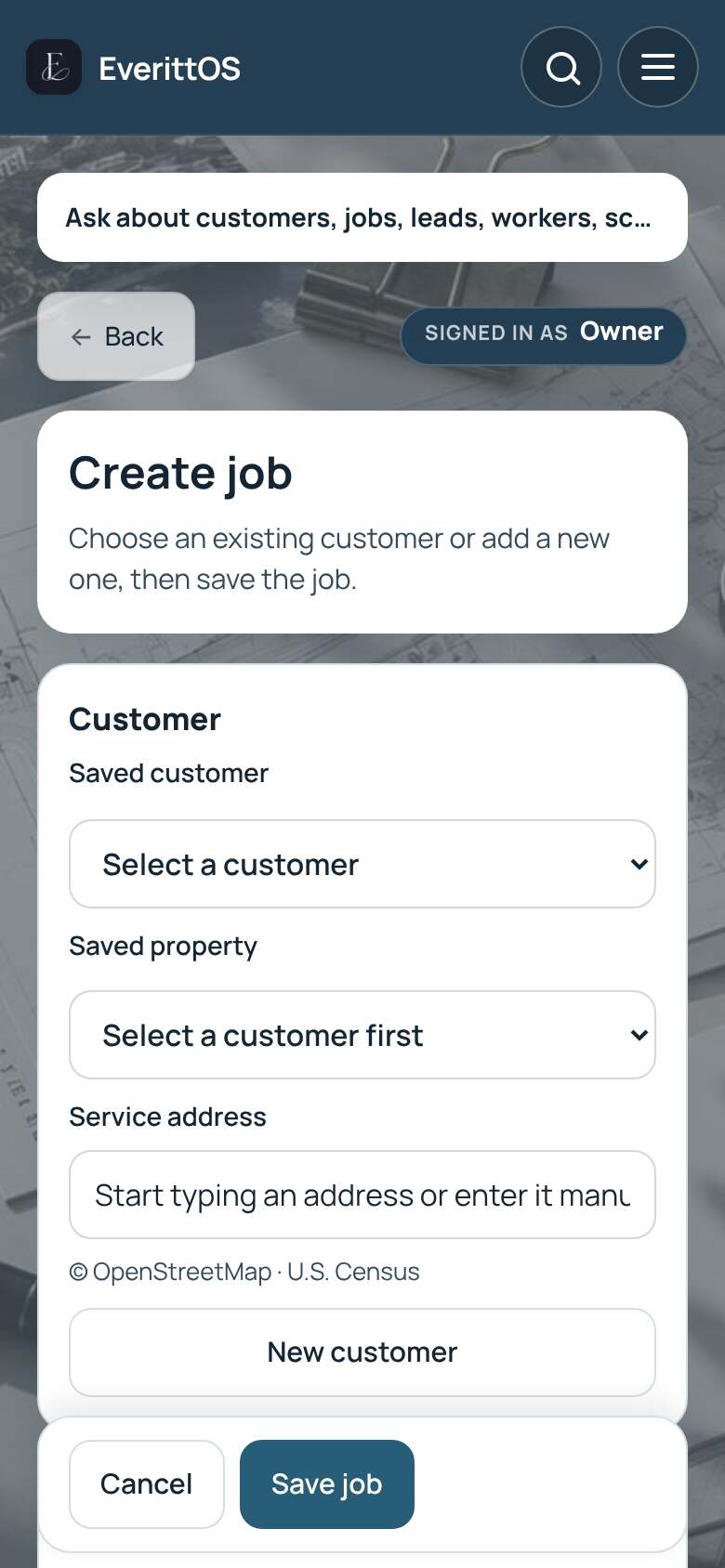
Create a job
A job is the work you do for a customer. Photos, invoices and payments all attach to it.
- Open Jobs.
- Tap New job.
- Under Customer, choose a Saved customer. For someone new, tap New customer and enter their name.
- Check the Service address.
- Enter a Job title, for example "Window cleaning".
- Pick a date if you know it. You can add it later.
- Open Time and repeat, Customer price or Worker and pay if you need them.
- Tap Save job.
Tip: Only the job title is required. Add the rest when you have it.