Let customers book online
Share a booking link. You approve each request before it becomes work.
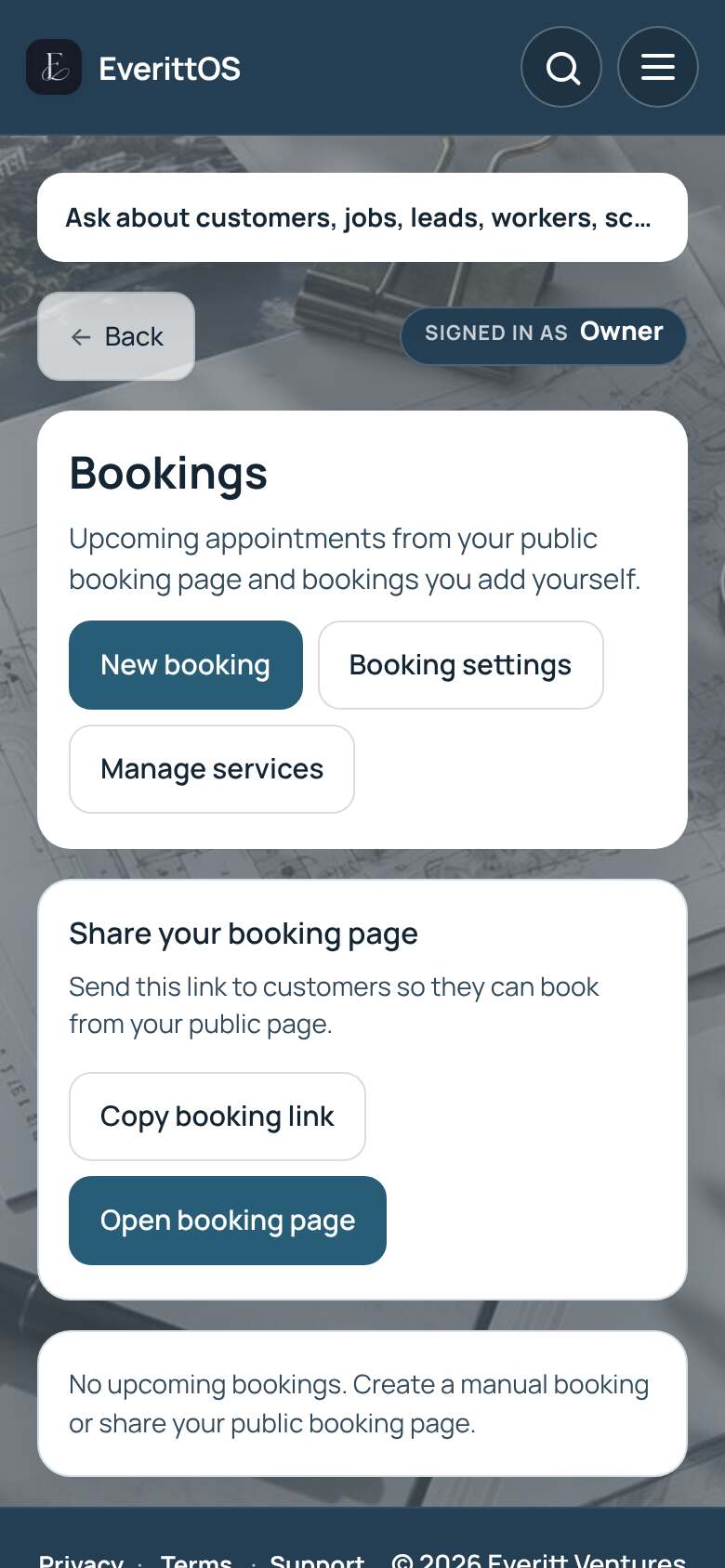
- Open Bookings and tap Manage services to add what you offer.
- On the Services screen, find Share your booking page.
- Tap Copy booking link and send it to customers.
- New requests appear in Bookings. Tap Approve or Decline.
- To add one yourself, tap New booking and then Save booking.
Tip: Set your hours and rules in Booking settings.