Track new leads
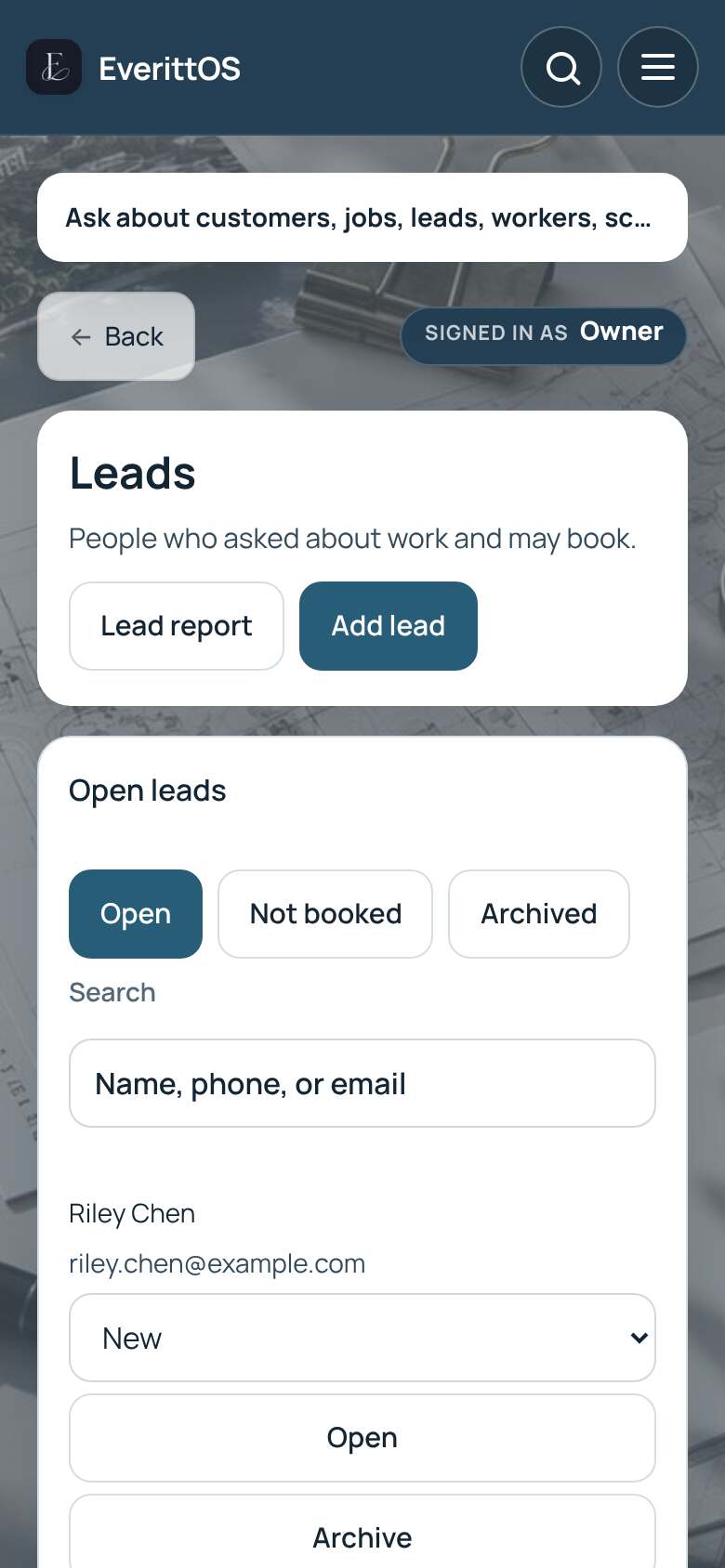
Leads are people who asked about work but have not booked yet. Keep them here until they become jobs.
- Open Leads.
- Tap Add lead.
- Enter the request details, their name and how they found you.
- Tap Save request.
- Open the lead when you are ready. Tap Create quote to price it, or Convert to job when they say yes.
Tip: Leads are new work. Jobs you already have are under Jobs.