Schedule jobs
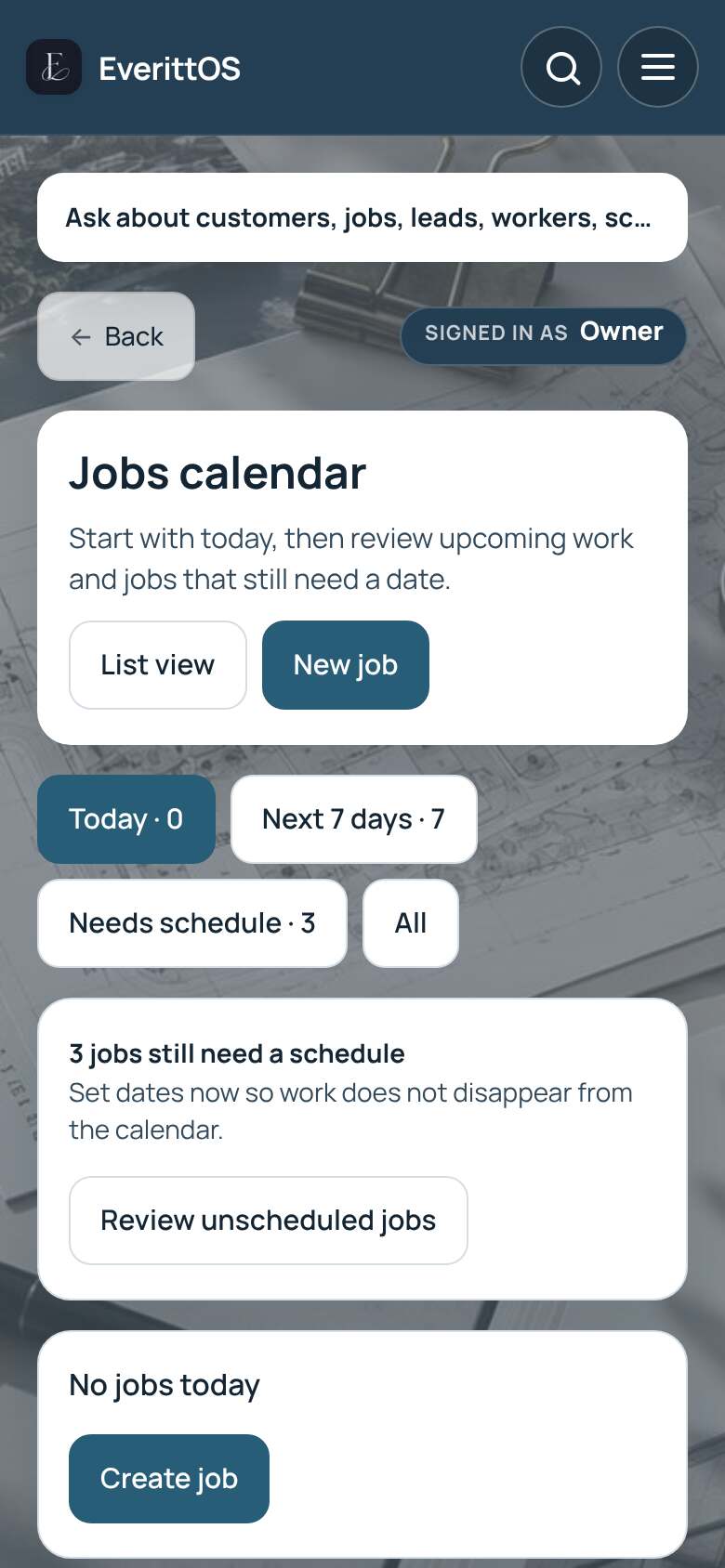
See your jobs on the calendar and set the date and time for each visit.
- Open Jobs and tap Calendar.
- Choose Today, Next 7 days, Needs schedule or All.
- Tap a job to open it.
- In the schedule section, set the date and time. Tap Add visit for another visit.
- Tap Save this visit.
Tip: If some jobs have no date, the calendar shows Review unscheduled jobs so none get missed.